Fix Terraform Provider Path in State
tech development microblog terraform
Fixing Terraform provider paths in state might be required after upgrading to 0.13-0.14 if your prior state has the following paths.
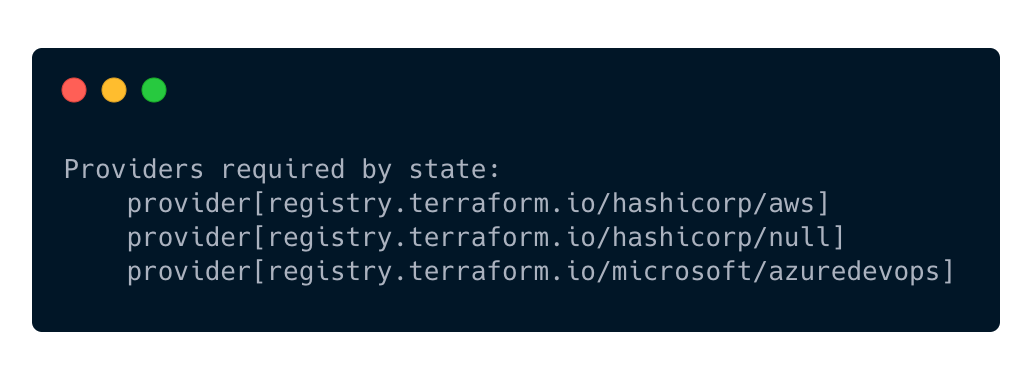
First, get the terraform providers from state using: terraform providers
The output should look similar to this:
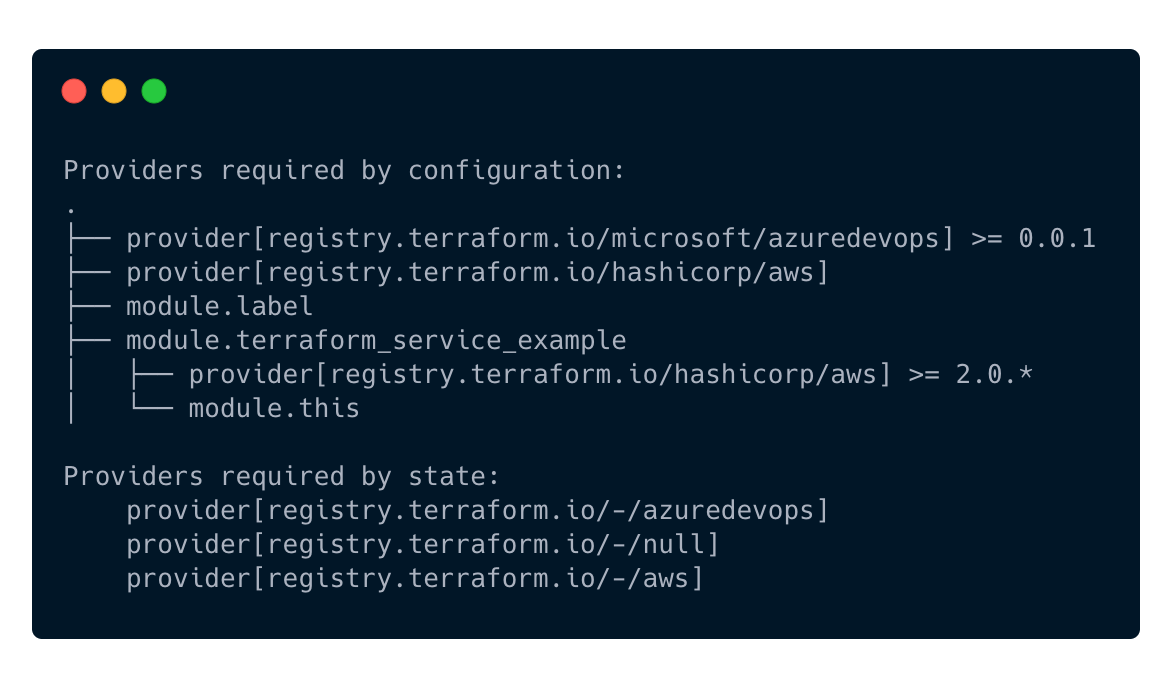
To fix these, try running the commands to fix state. Please adjust to the required providers your state uses, and make sure your tooling has a backup of the state file in case something goes wrong. Terraform Cloud should have this backed up automatically if it’s your backend.
terraform state replace-provider -- registry.terraform.io/-/aws registry.terraform.io/hashicorp/aws
terraform state replace-provider -- registry.terraform.io/-/random registry.terraform.io/hashicorp/random
terraform state replace-provider -- registry.terraform.io/-/null registry.terraform.io/hashicorp/null
terraform state replace-provider -- registry.terraform.io/-/azuredevops registry.terraform.io/microsoft/azuredevops
The resulting changes can be seen when running terraform providers and seeing the dash is now gone.